
Jiliwin App & Mobile APK Hub
Return to the main pillar overview for jiliwin app.
Many Filipino players run into laggy reels, sudden audio stutters, or burned-through prepaid data promos when trying a jili slot app on an everyday Android handset. Because modern JILI titles rely on WebGL animations inside an Android WebView container, phone memory and cellular handoffs matter just as much as the installer itself.
This hardware-focused guide breaks down how entry-level and mid-range Android devices handle JILI slot engines, how to pre-cache graphics before leaving home Wi-Fi, and how to pair safe 50–150 MB APK sideloading with low-drain 4G LTE settings.
Apply these five device tweaks once to cut prepaid data burn and stop mid-spin WebView crashes.
| Device Tier (RAM) | Recommended Android OS | Slot Frame Rate | Pre-Cached Data Use | Thermal Behavior |
|---|---|---|---|---|
| Entry (2 GB – 3 GB RAM) | Android 8.1 – 11 Go/Lite | 30 – 42 FPS (Battery Saver off) | 16 MB – 24 MB / 30 mins | Warms noticeably after 35 mins |
| Budget Standard (4 GB RAM) | Android 11 – 13 | 50 – 60 FPS steady | 12 MB – 19 MB / 30 mins | Mild warmth under case |
| Mid-Range (6 GB – 8 GB RAM) | Android 12 – 14 | Locked 60 FPS | 10 MB – 16 MB / 30 mins | Cool across 60-min session |
| Older Legacy (Android 7.0) | Android 7.0 – 7.1 Nougat | 25 – 35 FPS (disable turbo) | 18 MB – 28 MB / 30 mins | Requires frequent cache clears |
Beginners sometimes assume a 75 MB casino APK stores all two hundred slot machines offline inside the installation file. In reality, the APK provides the secure outer shell—login encryption, cashier bridges, and asset caching—while individual games stream lightweight logic modules on demand.
That hybrid design explains why keeping the core APK compact between 50 MB and 150 MB protects your storage space while still loading vibrant reels. Every time you open a JILI title listed on JILI Games' official catalog, Android's WebView engine draws the symbols and asks the server for each RNG spin result.
If your Android System WebView is two years out of date on an older phone, animations stutter even on fast fiber Wi-Fi. Updating that free Google system component immediately smooths out reel physics.
To measure real-world prepaid cost and bankroll pacing, we tested an 80-spin session on a mid-tier 4 GB RAM Samsung Galaxy A14 running Android 13 over a Globe Go+99 4G LTE promo in Quezon City. The test started with a ₱300 GCash deposit aimed at low-stake testing.
Selecting Super Ace and Fortune Gems at ₱5 per spin produced ₱400 in cumulative turnover across 80 spins over 22 minutes of calm manual tapping. Because the asset sprites had been pre-cached on Wi-Fi the night before, the 4G LTE meter recorded only 14.2 MB of cellular data used and 6% battery drop.
Even on a modest prepaid promo, pre-cached slot play costs negligible mobile data compared to video streaming. You can inspect exact symbol volatility and payline mechanics in our JILI slots strategy hub before picking your stake.
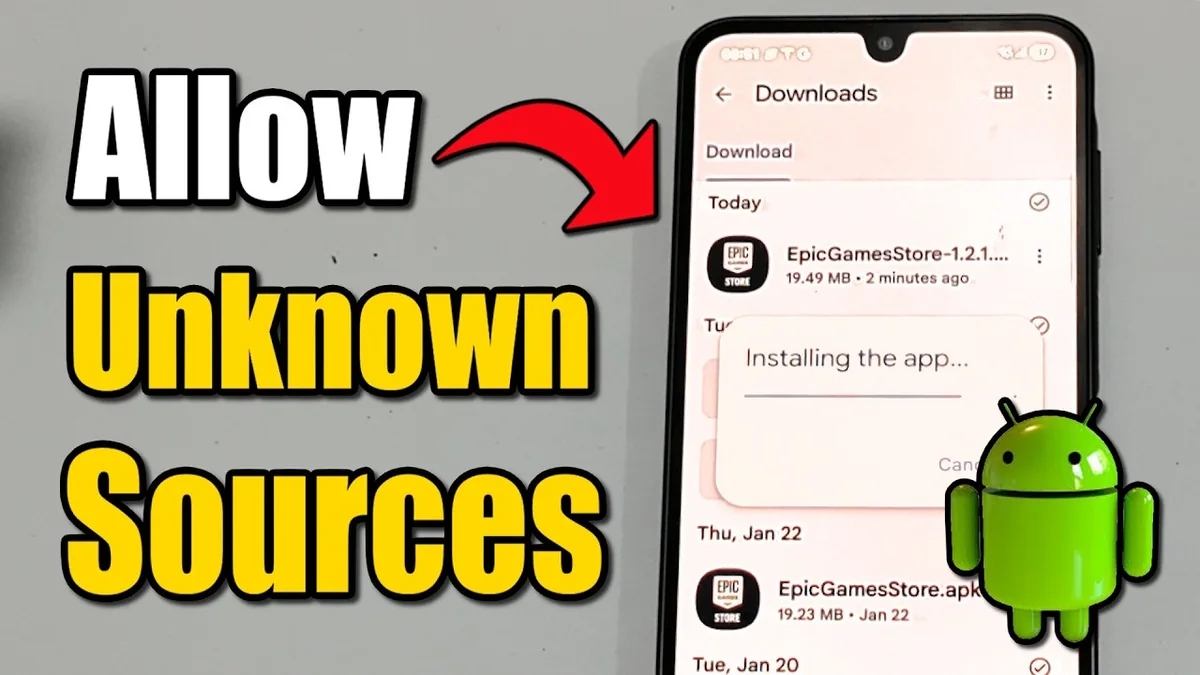
Many Filipinos keep a backup Android 7.0 or 8.0 handset specifically for entertainment apps so their primary banking phone stays uncluttered. On Android 7.0 Nougat, remember that turning on Unknown Sources temporarily opens package installs system-wide—never leave it active after setup.
On Android 8.0 Oreo through Android 14, Chrome asks for explicit single-app authorization via App Info. Once the Jiliwin icon lands on your home screen, flip Chrome's 'Allow from this source' toggle back to Off and remove the raw `.apk` installer from Downloads.
Expect Chrome's standard 'File might be harmful' warning whenever downloading non-Play-Store `.apk` files; treat it as a prompt to double-check domain authenticity and package size rather than panic.
Playing slots in humid afternoon weather inside a non-airconditioned room or while plugged into a 20W fast charger heats up mobile processors quickly. When a chipset hits thermal throttling limits, Android drops screen refresh rates and makes reel animations appear choppy.
Switch off 'Turbo Spin' if your 3 GB RAM phone feels warm in your palm, as slower spin intervals cut GPU rendering cycles nearly in half. Holding the phone in portrait orientation also works smoothly on JILI's mobile-first slot layouts during short breaks.
Over several weeks, cached temporary slot banners pile up past 300 MB on smaller 64 GB phones. Opening Android Settings > Apps > Storage > Clear Cache clears corrupted artwork without erasing your login session or touching server-side PHP funds.
Riding through provincial dead zones or underground LRT/MRT stations often breaks a cellular data connection right as reels are spinning. Beginners sometimes worry their ₱10 or ₱20 spin vanishes into thin air during a disconnect.
Because every licensed spin outcome is resolved server-side before animations finish playing on screen, losing signal only interrupts the visual replay. Reopen the game on steady LTE and check your in-game Spin History log to confirm the exact debit and payout.
If you ever spot a mismatch between your game history and e-wallet ledger, consult our GCash and Maya payment troubleshooting guide or review PAGCOR dispute standards.
If your phone holds under 1 GB of free space and warns 'Storage space running out,' skip installing the native APK and run slots inside Google Chrome's mobile view instead. Browser sessions trade slightly higher cellular data use for zero permanent app footprint.
Conversely, regular Android slot players with 4 GB RAM or more get noticeably snappier lobby switching from the native client. To explore specific lobby filters and game categories inside the mobile interface, continue to our JILI slot game app lobby guide, or check login hygiene in our Jiliwin app login walkthrough.
Social media clips sometimes advertise companion Android apps claiming to predict scatter triggers on Super Ace or Money Coming. Those apps have zero access to certified remote RNG seeds and exist strictly to harvest device credentials or push adware.
Real protection means checking operator credentials on pagcor.ph and verifying your installer through our legitimate PH casino app checklist.
Android slot gaming for real money in the Philippines is strictly open to players aged 21+ (21 years old and above), verified via PhilSys, UMID, LTO, or PRC ID checks. Establish hard PHP deposit limits and time alerts on your phone before starting any session—treat limits as an upfront plan rather than an afterthought.
Confirm platform legitimacy on pagcor.ph, and note that formal self-exclusion takes effect within 24 hours across every access channel, including Android APKs and mobile browsers. Free, confidential support is available from the National Council on Problem Gambling Philippines, Gamblers Anonymous Philippines, and the PAGCOR Responsible Gaming Helpline.
Getting smooth, predictable performance out of a jili slot app on Android is mostly about basic mobile hygiene: keep Android System WebView current, pre-cache slot assets over Wi-Fi before switching to prepaid 4G LTE, verify any APK stays within the 50–150 MB range, and revoke Chrome's install permissions right after setup. Even a budget 4 GB RAM handset delivers crisp 50–60 FPS reels when background RAM hogs stay closed.
Always confirm operator registration at pagcor.ph and keep your PHP stakes aligned with a comfortable pre-set budget. Invite your friends to register and play and get a chance to earn bonuses of up to ₱50,000.00, and Get a chance to win up to ₱100,000.00 plus unlock exclusive Mystery Chests.
An Android phone with 4 GB RAM runs JILI HTML5 slots smoothly at 50–60 FPS. Entry-level 2 GB or 3 GB RAM phones can still play comfortably if you update Android System WebView, disable Turbo Spin, and close background video apps before opening the lobby.
No, slot games use very little data once assets are cached. Pre-loading your favorite games on Wi-Fi reduces cellular 4G LTE burn to roughly 12–20 MB per 30 minutes of spinning, which easily fits inside standard ₱50–₱99 Philippine prepaid data promos.
Your spin outcome is computed immediately on remote RNG servers when the spin begins. If your cellular connection drops while the reels are visually turning, your PHP balance updates accurately on the server and appears in your Spin History once LTE reconnects.
No, predictor and scatter-alert APKs are fake lures that cannot read encrypted server-side RNG calculations. Downloading them risks credential theft or device malware, so stick strictly to verified 50–150 MB casino installers checked via pagcor.ph.
Stuttering reels on strong Wi-Fi are usually caused by thermal throttling while fast-charging, an outdated Android System WebView engine, or under 500 MB of free phone storage. Unplug the charger, update WebView in the Play Store, and clear the app cache.